 IDstudio
Designed for interior designers
The drafting done for you
Floor plan to furnished layout, then the 3D model and the renders, without redrawing anything by hand.
Every layout checked
75 design rules: walkways, door swings, bed heads, wardrobes, kitchens you can actually use. Your firm's house rules on top.
A real SketchUp model
In millimetres, every wall, cabinet and fitting, ready to open and keep working on.
Renders that don't make things up
Photoreal renders from your own 3D model. Every image is checked for invented furniture.
Change it in plain words
"Turn the bed to the east wall": type it, and the plan, the model and the renders follow.
Built for Singapore homes
HDB, condo and landed: shelters, ledges, wet and dry kitchens.
Try one project free: trial credits worth US$50, no card needed.
Start a free trialFrom floor plan to final render, in five steps and less than an hour*
-
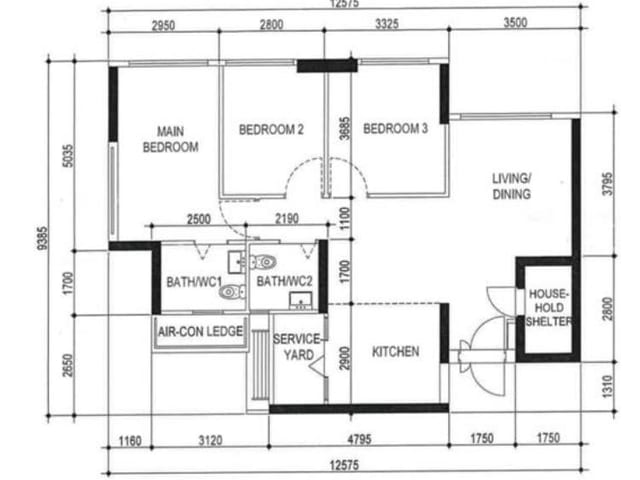
1Structured brief
Upload the floor plan and fill in the structured brief: a short list of questions about the household, rooms, storage and style.
-
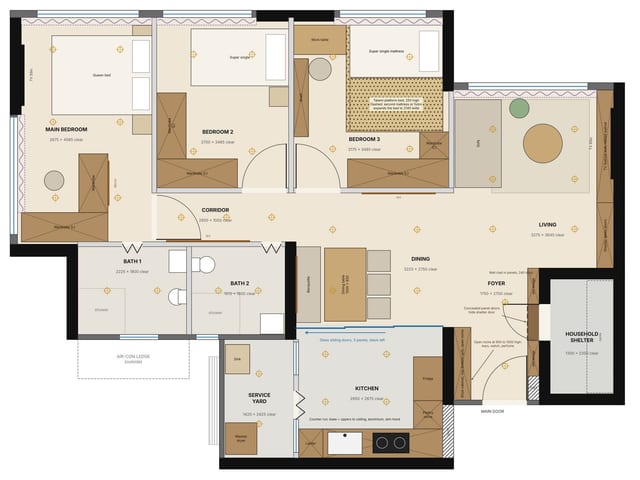
2Furnished plan
A furnished layout, every room checked against your design rules.
-
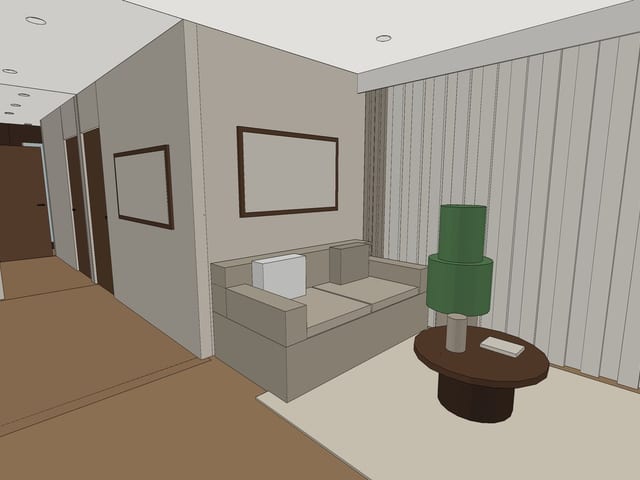
33D model
A real SketchUp model in millimetres, plus clay views of every room.
-
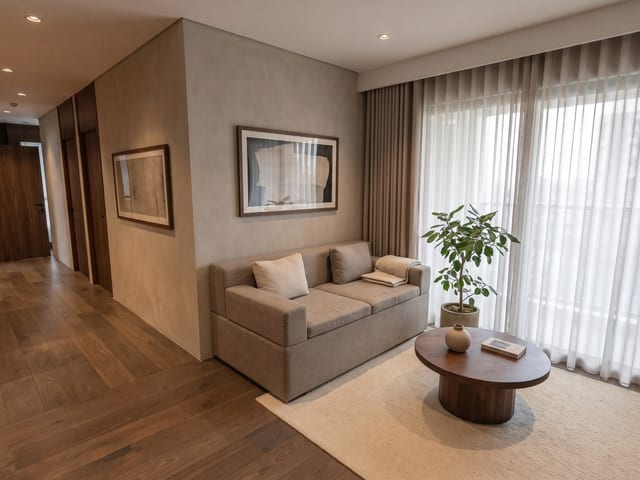
4Renders
Photoreal renders from the clay views, nothing invented.
-
Technical planRealistic planSketchUp model (.skp)Clay viewsRenders
5Pack
Drawings, model and renders, ready for your client.
Change anything at any step: type it in plain words.
* When left to run through all five steps on its own, without stopping for your review.